
How-to guide · 5 of 7
Separate profiles
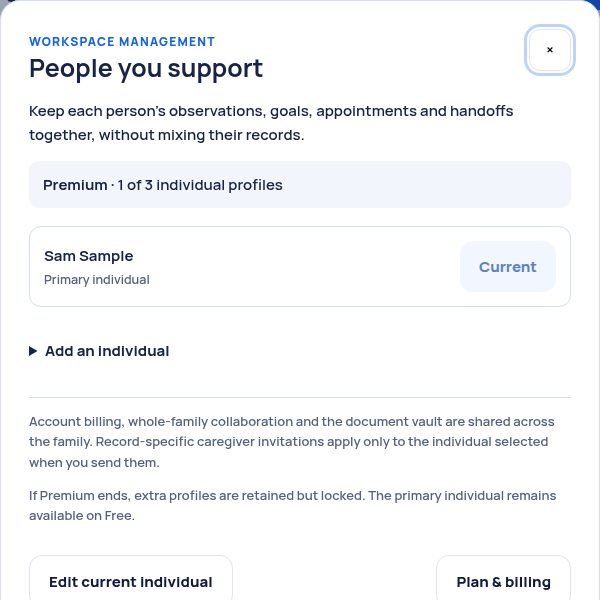
One profile on Free. Up to 3 on Premium, one for each person you support.
Where to find it Tap Change individual under the page title, then Workspace management.
Step by step
- Tap Change individual, near the top of any page.
- Tap Workspace management.
- Tap Add an individual. Type a name or nickname and a birthday.
- Tap Add individual & continue setup, then answer a few short questions.
Tip: To switch between people, tap Change individual and pick who. Each person keeps their own notes, goals and appointments.
Still stuck? In the app, open Help, Getting Started & Support, or send us a note. A real person reads it.