
How-to guide · 7 of 7
Free family guides
Plain-language guides, like turning 18 and entering adulthood. Guides stay free.
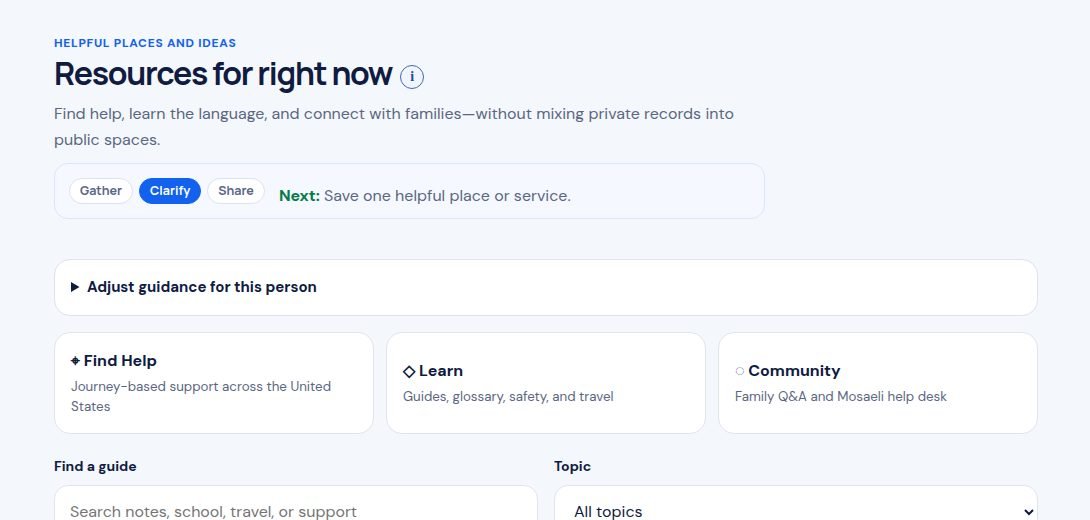
Where to find it Sign in, then open Resources.
Step by step
- Sign in and open Resources.
- Type a word in Find a guide, like “school” or “18.” Or pick a Topic.
- Tap Open guide →.
- Read at your own pace. Guides are free on every plan.
Tip: Guides share general information, not medical or legal advice. Bring your questions to your child’s team.
Still stuck? In the app, open Help, Getting Started & Support, or send us a note. A real person reads it.